PageSpeed.ONE Speed Tester: What’s New in Version 3.1
You can now customize test settings, we've enhanced monthly email reporting, swapped a few metrics, simplified some complexities, and caught many bugs.
Let's delve into the specific changes together.
1) Settings: URL Aliases
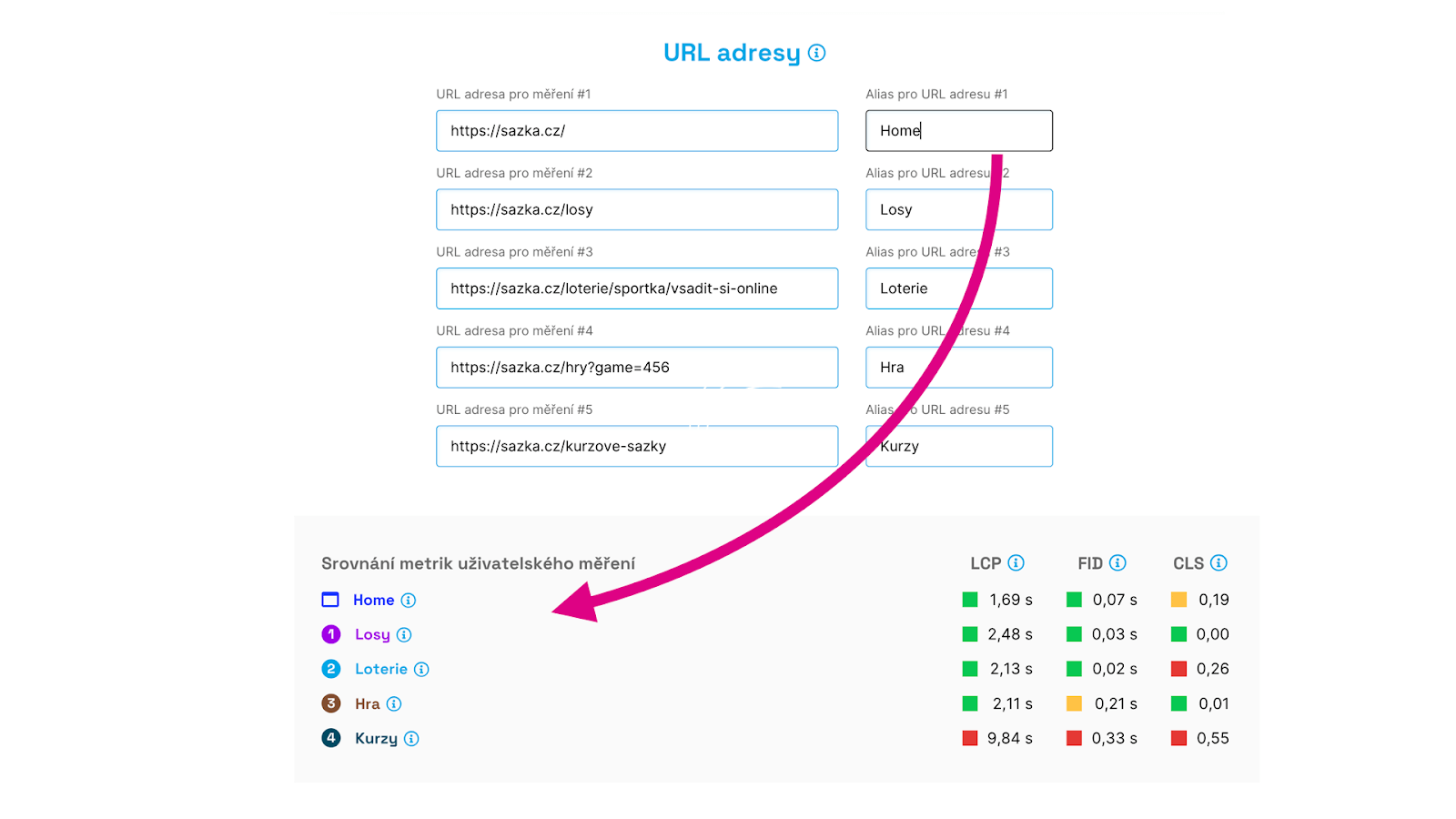 For the tests you've added to your dashboard, you can modify the settings. Besides adjusting the measured URLs, you can now add an alias, i.e., a name for them.
This is particularly useful for clarity in reports and graphs.
2) Settings: Domain Type
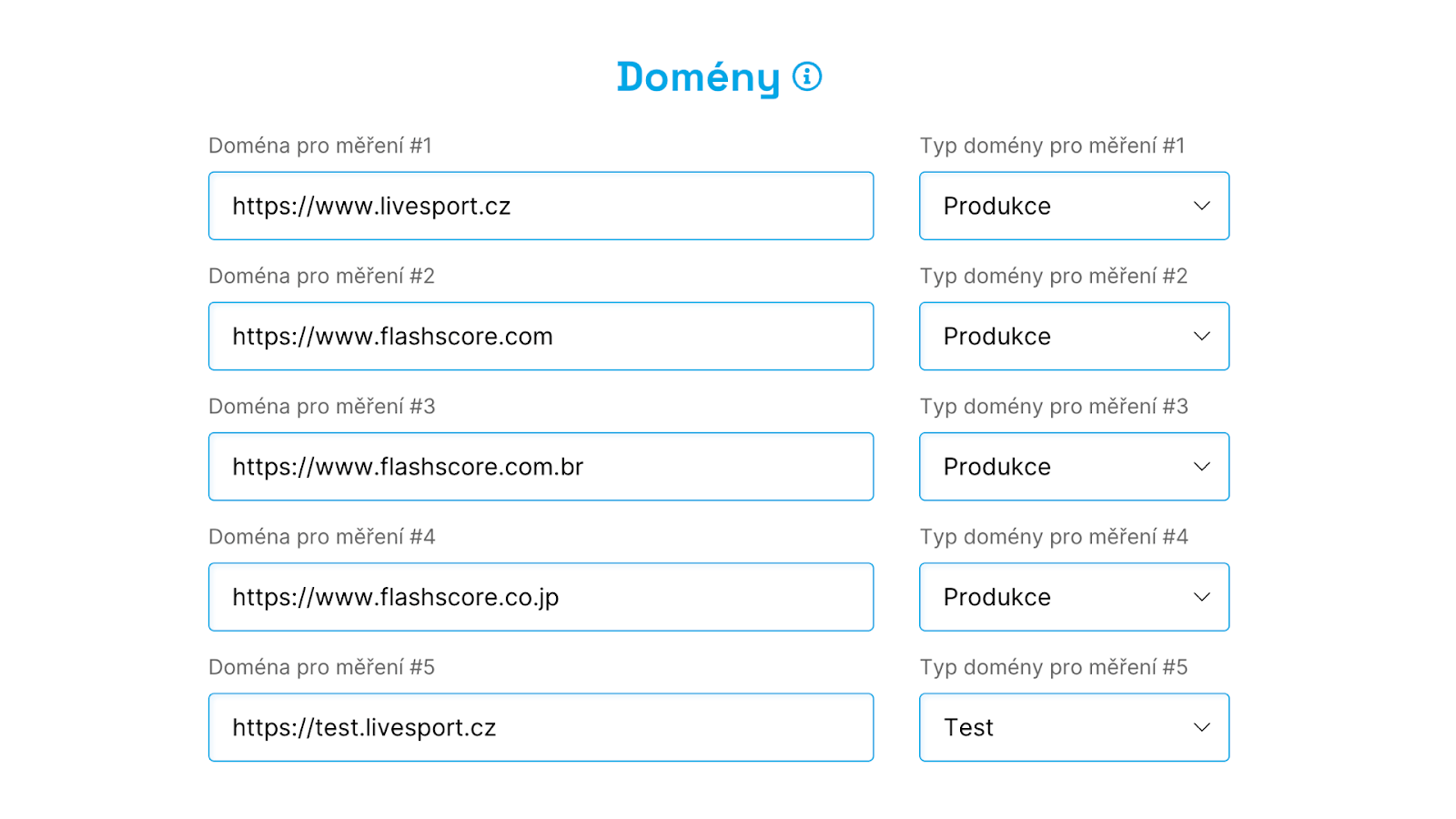 In the test settings, you can now select the domain type. You can choose "Production" (your public domains), "Test" (test versions of your websites), or "Competition" (if you’re monitoring competitors).
We make further use of this, especially in email reports.
3) Emails: Improved Reporting
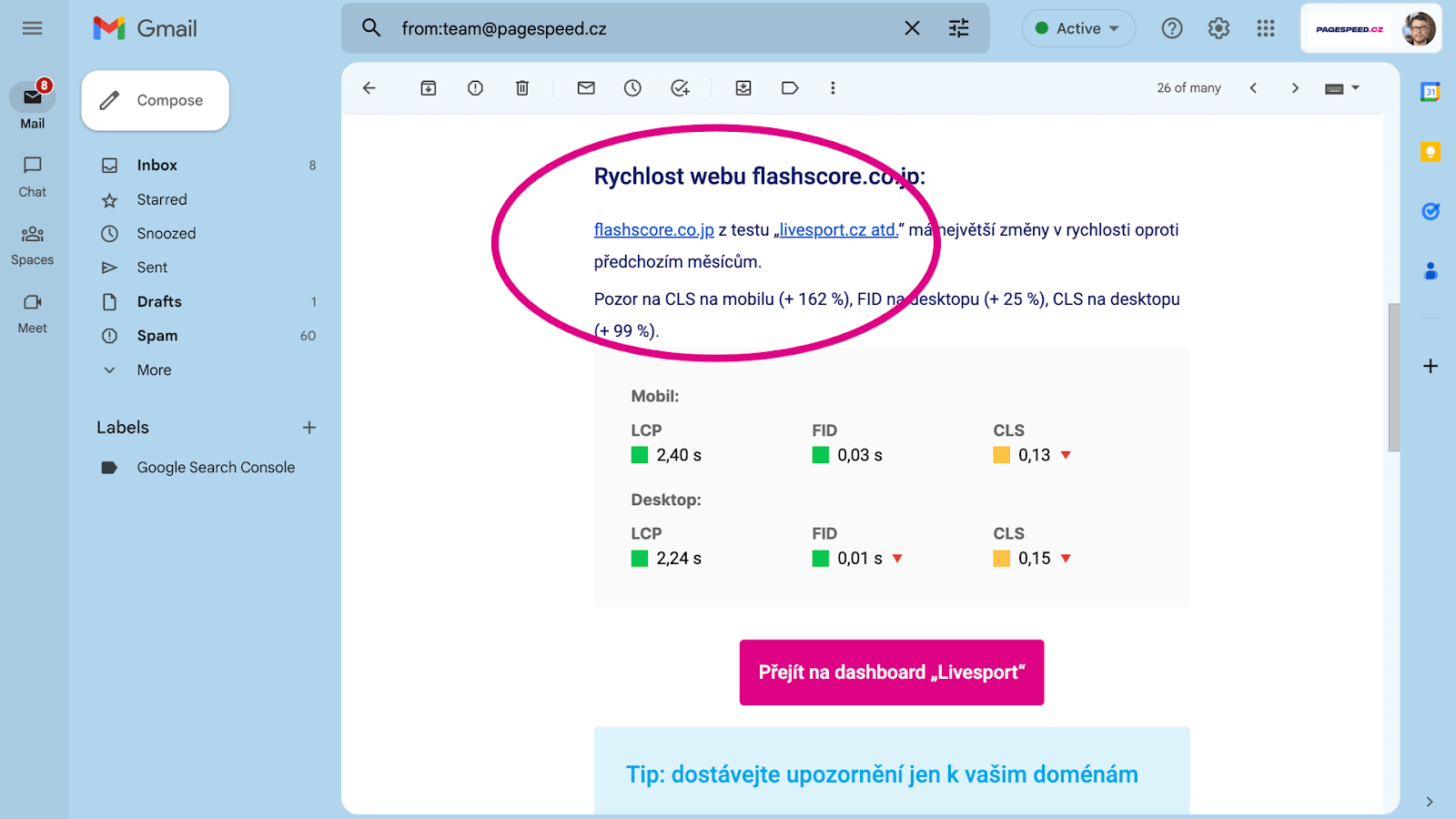
If you select “Production” in the test settings for your domains, we’ll only send notifications in the email report about metric changes for your domains.
This way, you get more precise information about what’s happening on your site.
4) Dashboard: Adding Tests Directly to the Dashboard
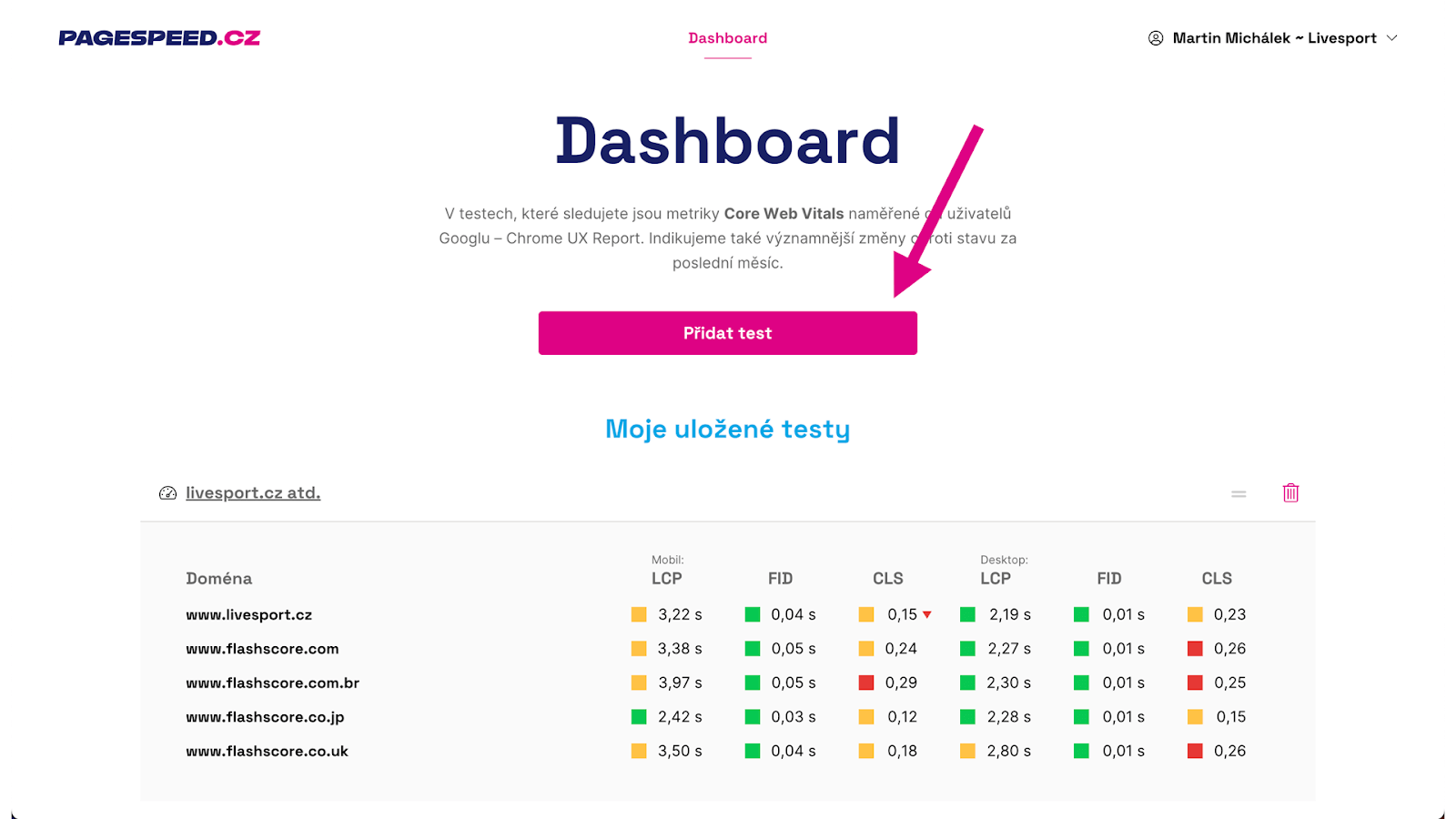
Originally, adding a test directly to your dashboard was somewhat cumbersome. Now it’s possible with a single click.
Tip: How to monitor web speed with our tester?
5) Lighthouse: JSON File Download Option
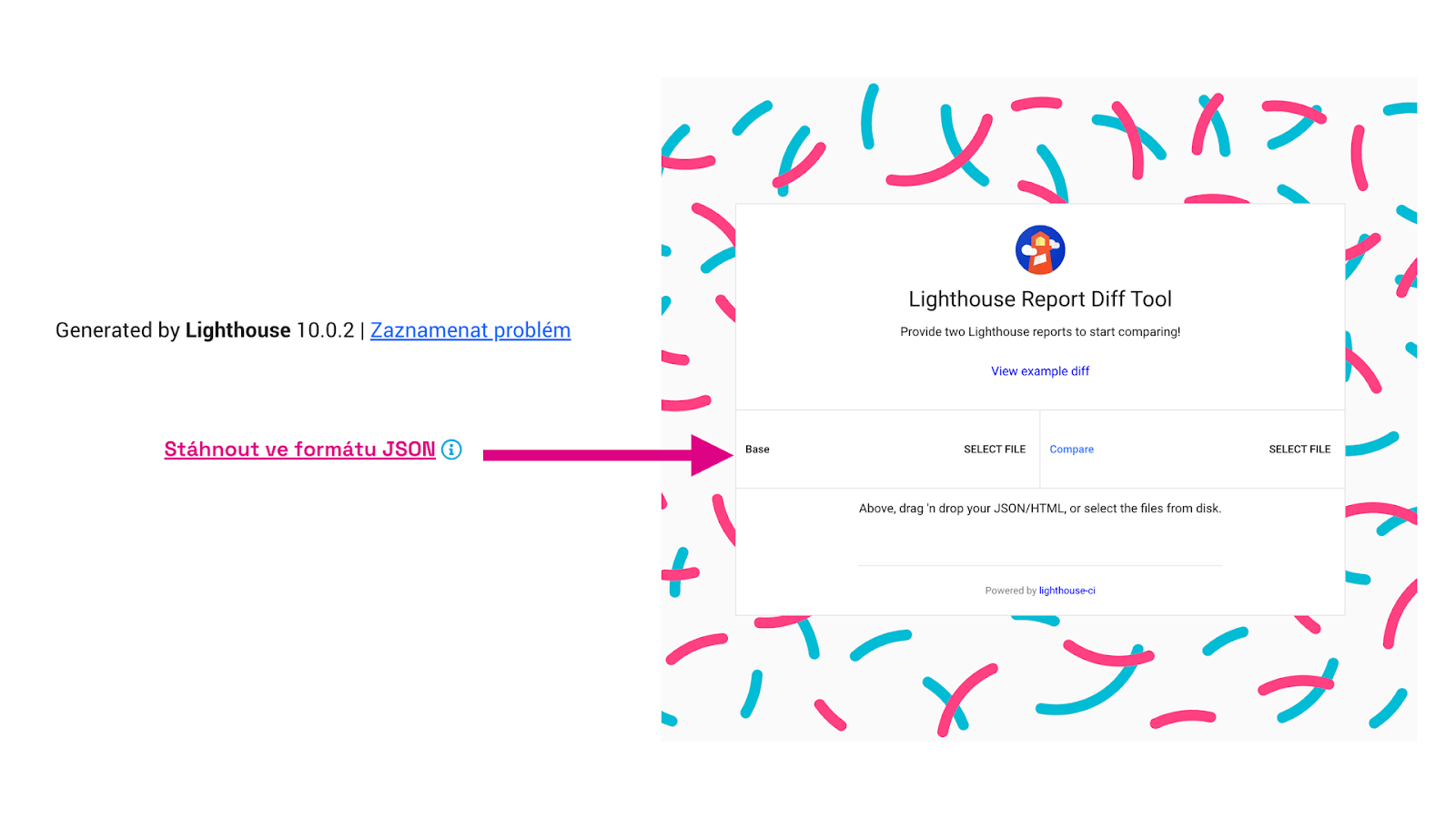 We've added the option to download Lighthouse tool reports in JSON format.
You can then use them in Lighthouse Viewer or Diff Tool, which allows you to compare two different reports and pinpoint exact changes.
6) Reports: Removal of Obsolete Metrics - SI, TTI
The Time To Interactive (TTI) metric is no longer measured in Lighthouse version 10, so we have removed it from reports.
We’ve also cleaned graphs and tables of the Speed Index (SI) metric, which we also consider relatively outdated. However, you will still find it in the final Lighthouse tests.
7) Reports: Addition of INP Metric
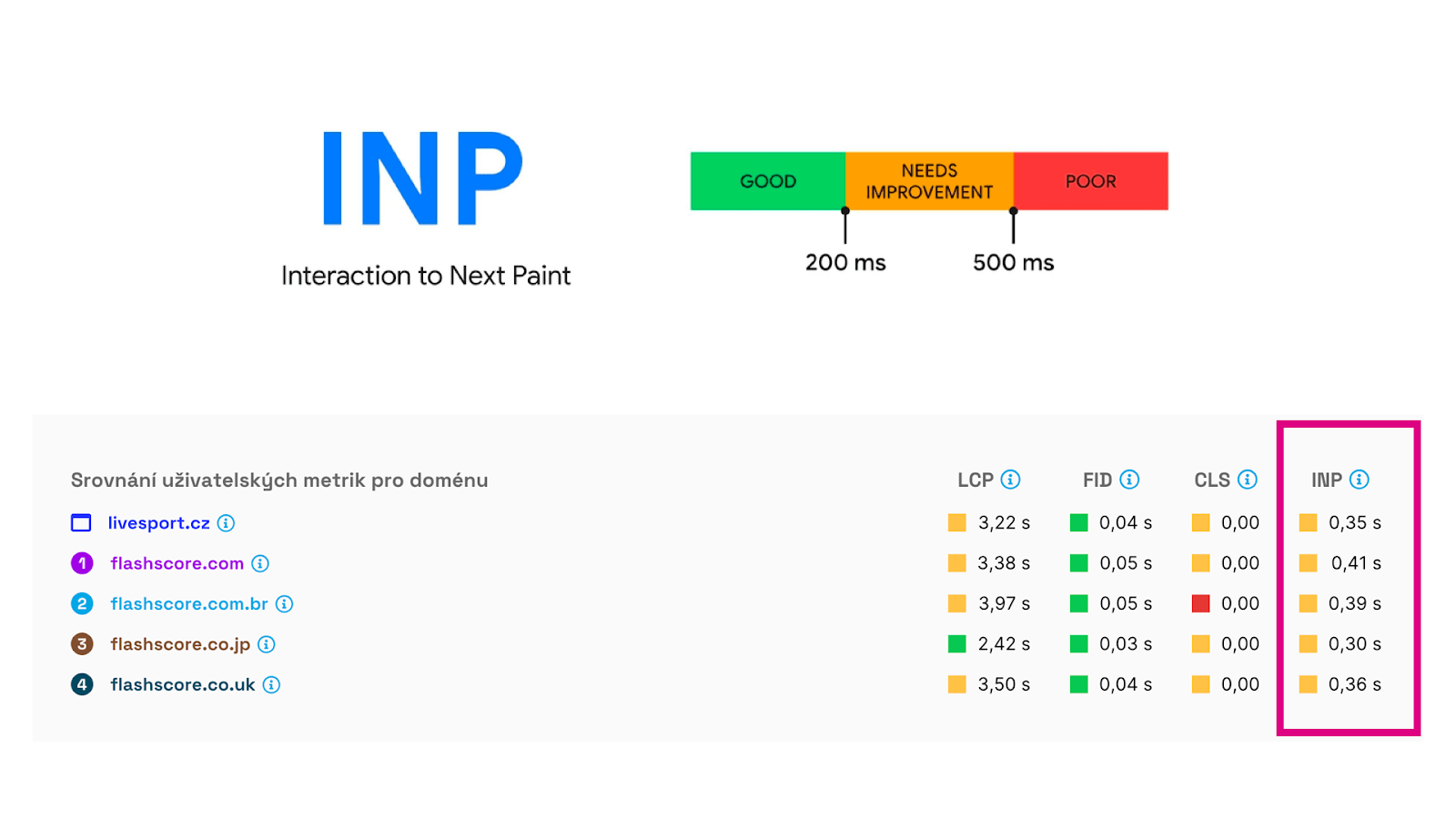
As you might know, Google has been “threatening” to replace the First Input Delay (FID) metric with Interaction to Next Paint (INP). It may not happen anytime soon, but it's certainly interesting to see this interactivity metric.
It's now included in all data from users that we download from the Chrome UX Report.
Minor Tweaks and Bug Fixes
There were more minor adjustments, as well as bug catching. Here’s a list for those interested:
- Domains: Data display
- Domains: Removal of tablet, mobile, desktop navigation
- Settings: Better notification if the test isn't in the dashboard
- Switching team alphabetically
- Homepage: Tester promotion
- Better process when inviting a new user
- Opportunities: Better advice
- Settings: Error after domain deletion
- Dashboard: Occasional incorrect LCP display
- Settings: Better info when the user isn’t an admin
- Reports: Incorrect colors for the CLS metric
We would, of course, welcome your feedback. Please write to team@pagespeed.cz.
We are also working on version 4, which will bring even more innovations. Subscribe to our newsletter so you don’t miss the big change.