First Contentful Paint (FCP)
 Radek Šír2/9/20264 minutes reading
First Contentful Paint (FCP) is a metric that measures the time from when a page starts loading to when any part of the page's content is rendered on the screen.
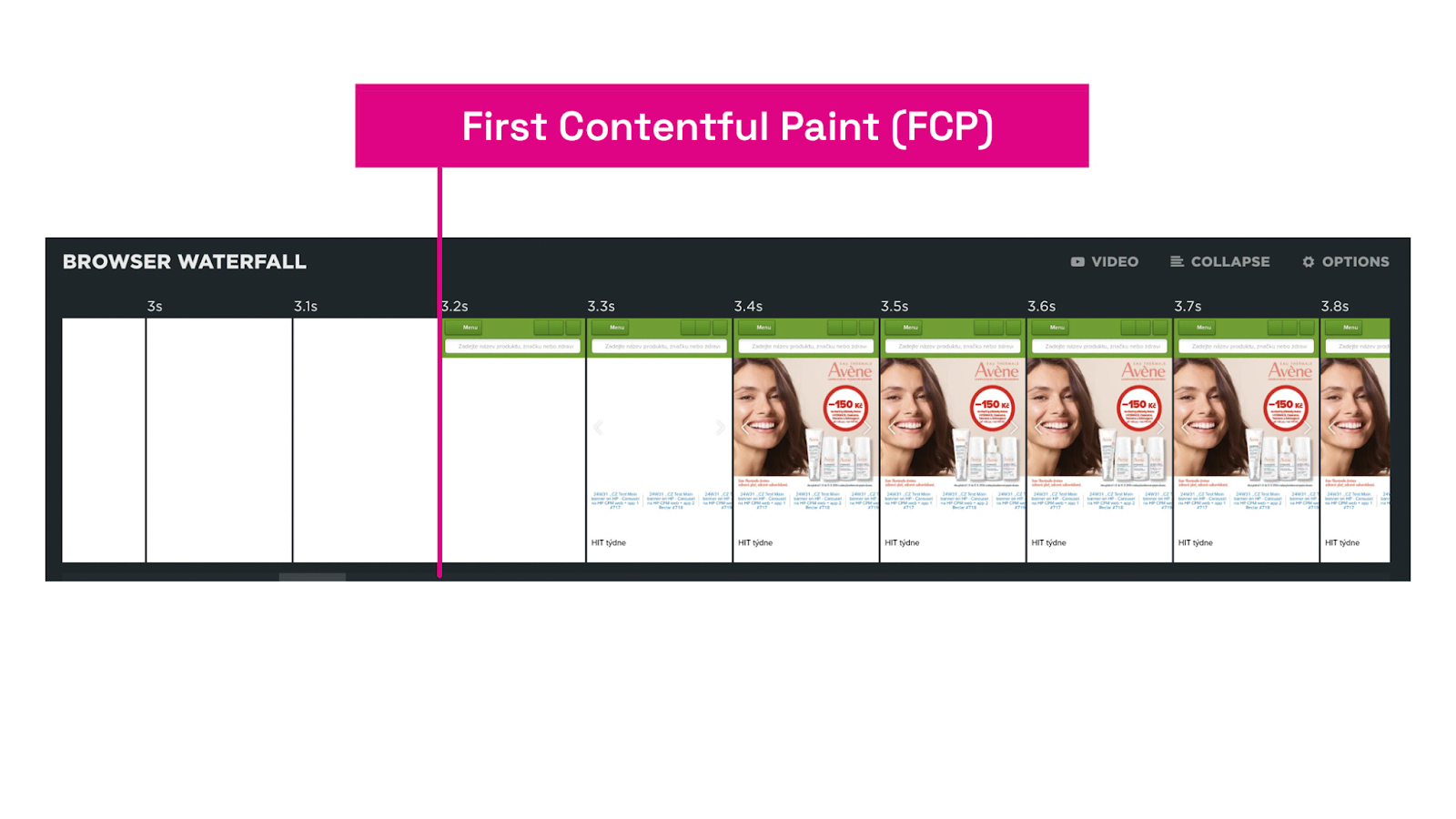 The FCP metric: the initial display of content on the page.
It is essentially a metric for the first rendering, occurring between backend time (TTFB metric) and the time it takes to load the largest element (LCP metric). Unlike these metrics, however, FCP is not part of Core Web Vitals.
For the FCP metric, "content" includes text, images (including background images set via CSS), <svg> elements, or non-white <canvas> elements.
Why is FCP important?
Measuring FCP is crucial because the initial display of content on a page influences the user's first impression of the website's speed.
A swift FCP indicates that the website is functional and will soon display the expected content, enhancing user satisfaction and potentially positively affecting SEO.
What are the ideal FCP values?
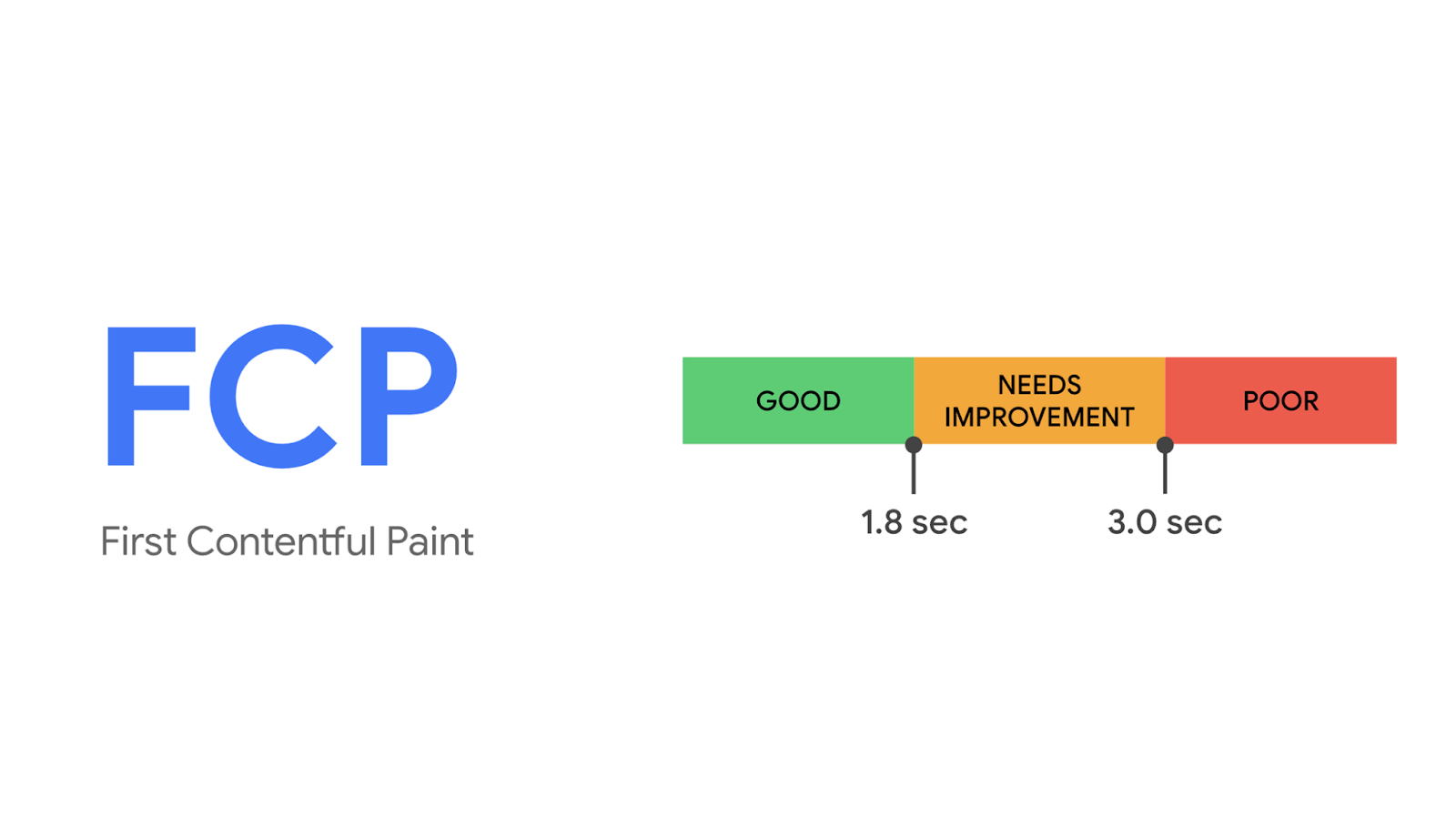 The ideal FCP value is under 1.8 seconds.
We recommend keeping the FCP value as low as possible, ideally under 1.8 seconds across all page types for both mobile and desktop devices. This is also Google's recommendation.
How can you measure FCP?
There are several ways to obtain the FCP metric for your website or a specific page.
Chrome Extension "Web Vitals"
Using the extension directly in the browser, you can determine the FCP value for individual pages of your site. In the console, you can find more information on which parts of FCP to focus on for potential optimization. FCP is largely influenced by backend speed (the TTFB metric).
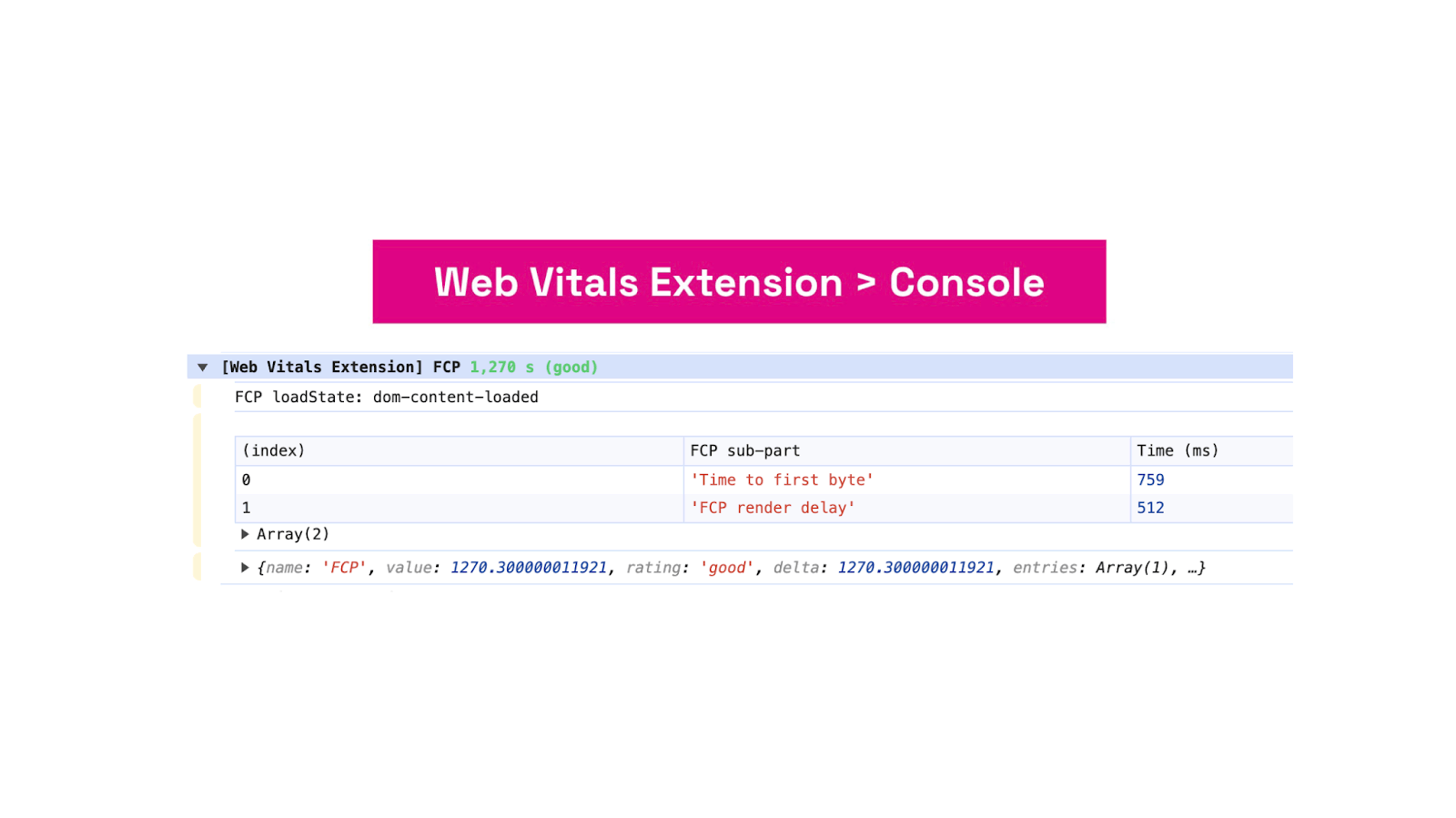 The Web Vitals extension returns various detailed information to the browser console.
Read more about measuring speed directly in the browser.
Google User Data (CrUX)
Using our website speed test or the PageSpeed Insights tool, you can determine the FCP metric value for each URL separately or obtain data for the entire domain.
PageSpeed.ONE Monitoring
In monitoring PLUS, we display not only the current FCP value for individual URLs or the entire domain but also illustrate how the metric has changed historically using a graph.
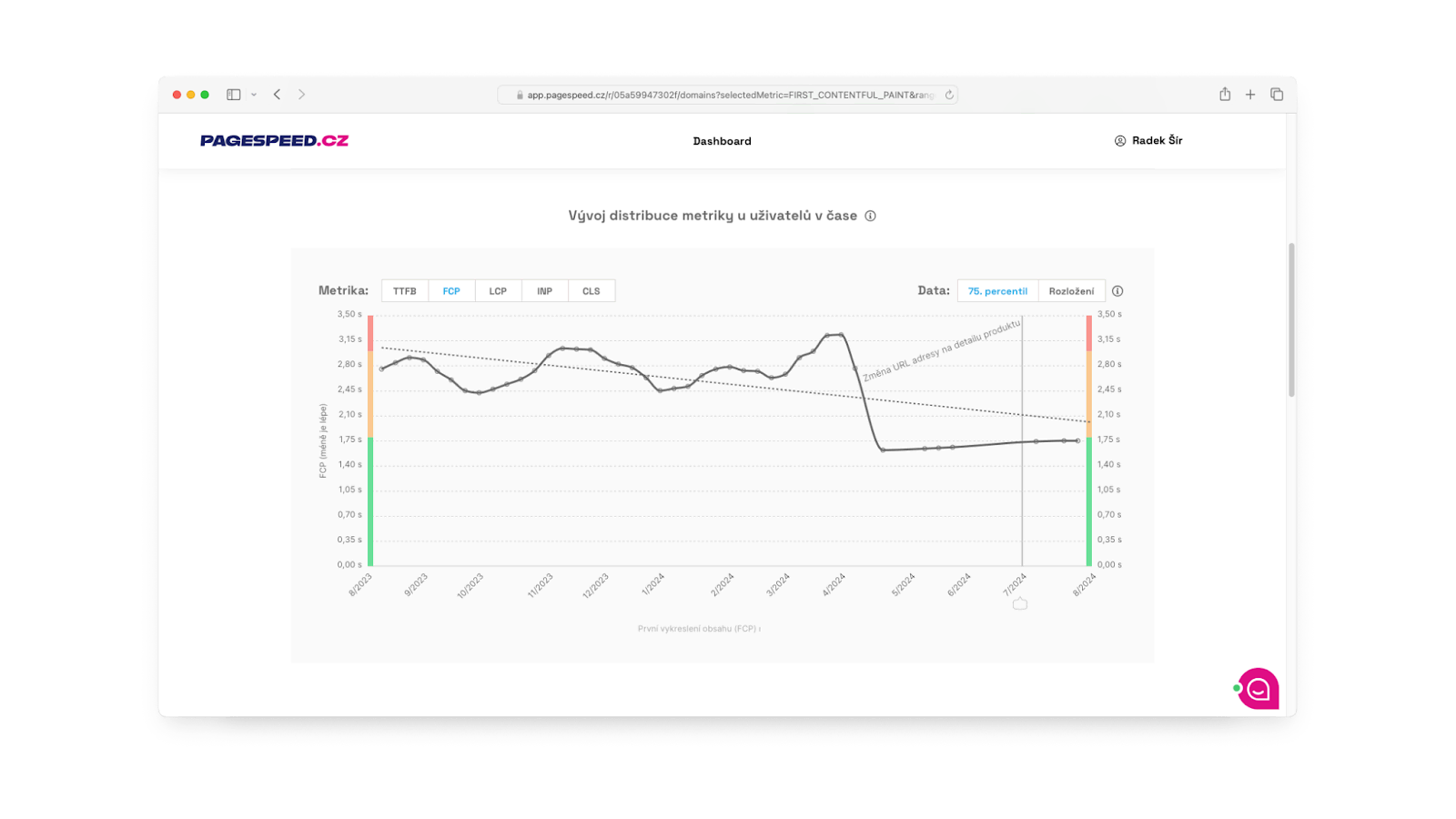 FCP Metric in pagespeed.one.
We have data both from users (CrUX) and synthetic measurements (synth). (See the various types of web speed measurements.)
With the Watchdog, we show the ongoing daily development of the synthetic FCP value, as well as other metrics, and send notifications.
Speed boosts conversions, but it often deteriorates. Let us monitor it while you focus on business. Upgrade to monitoring PLUS.
How to optimize FCP
Optimizing the FCP metric involves several key steps. It's always necessary to base actions on data from measuring tools. Let's explore some common opportunities for improving FCP.
Shorten server response time
Optimize the backend (the TTFB metric) for faster downloading and processing of the HTML document. The quicker the browser processes the HTML document, the sooner it can start downloading and processing critical resources for the initial display of content on the page.
Minimize render-blocking resources
Reduce the number and overall size of CSS files, web fonts, and JavaScript files needed for rendering the first content.
Divide CSS into smaller parts. Load only the CSS styles needed for the page.
If the initial rendering of the web page is not dependent on JavaScript (in frameworks like Nuxt.js, Vue.js, React, Next.js, etc.), process all JavaScript files asynchronously.
Use as few web font styles and types as possible. Utilize the CSS property font-display:swap to display alternative fonts before the main ones are loaded.
Utilize Server-Side Rendering (SSR)
If your website uses any JavaScript frameworks, always strive to have the first content already in the basic HTML document. This way, you won't have to wait for JavaScript to download and process.
Use lazy loading to defer non-critical resources
Defer the downloading of images or JavaScript files for elements not visible in the initial viewport. For images, use lazyloading.
For a deeper understanding of these optimization techniques, we recommend exploring available tools and guides, such as those on web.dev, which provide specific advice and steps for improving the FCP metric.