Version 4.11: Insights, Chrome Extension, and a New Brand
 Martin Michálek3/30/20263 minutes reading
Website speed is best addressed when it's visible. Release 4.11 introduces three new features that showcase speed from different perspectives – a quick test with business context, visual diagnostics directly in the browser, and the continuation of rebranding the entire face of PageSpeed.ONE.

PageSpeed.ONE Insights — Test Your Website in a Minute
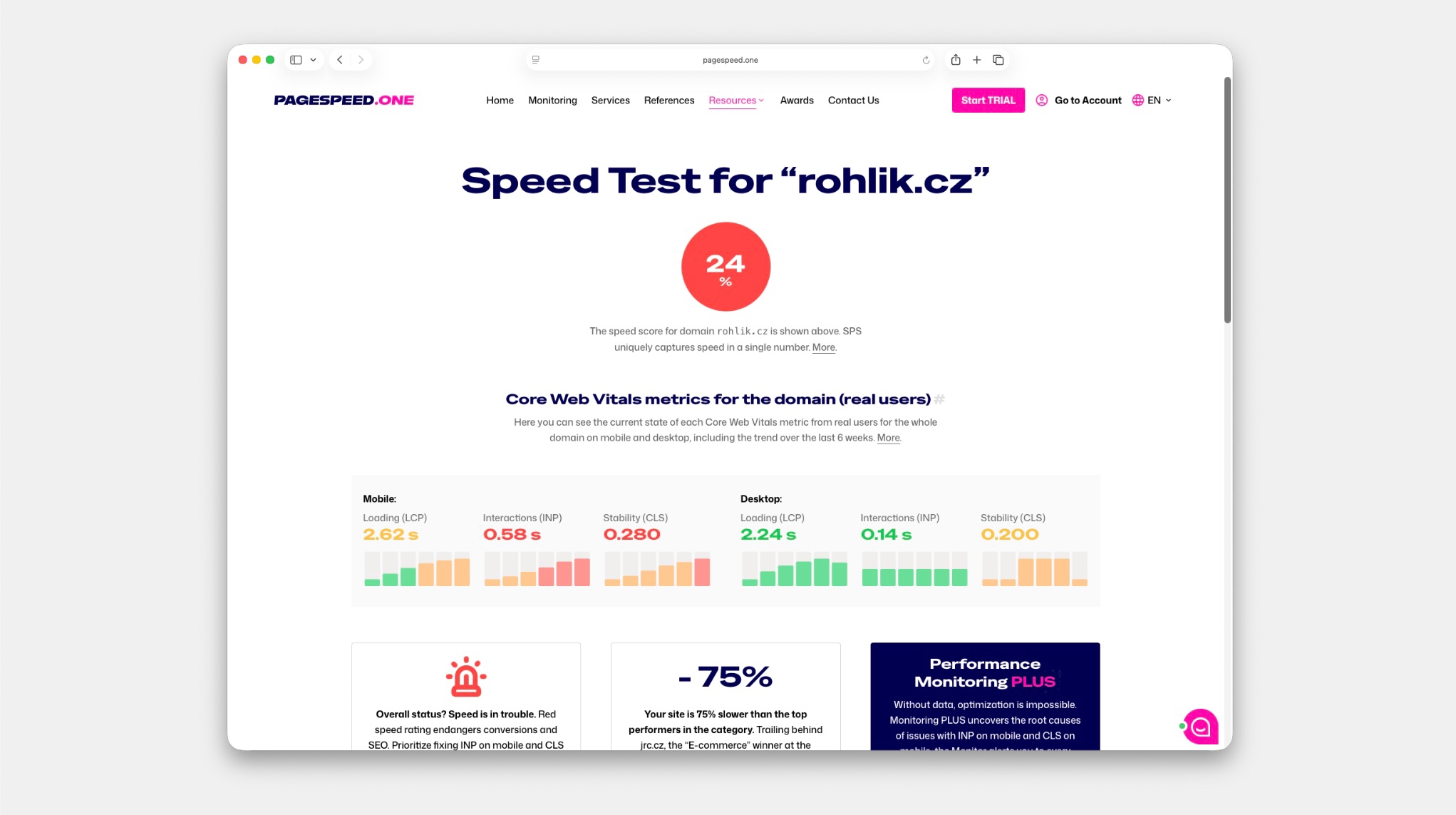
Enter a URL, and in moments, you'll see how your website stands with real users. PageSpeed.ONE Insights combines data from the Chrome UX Report with our own synthetic tests, adding what you won't find elsewhere – business recommendations and a history of measurements over the past six weeks.
What can you look forward to?
- Real user data — Core Web Vitals from CrUX for the entire domain and specific URLs, not just a one-time lab test.
- Business recommendations — see what holds back your site and where there's room to improve conversions, all in one place.
- Six-week history — track the trend, not just the current state. Insights automatically show you how metrics evolve over time.
Core Web Vitals Live — Chrome Extension That Pinpoints Issues
Other tools give you numbers. Core Web Vitals Live shows you precisely where the problem lies.
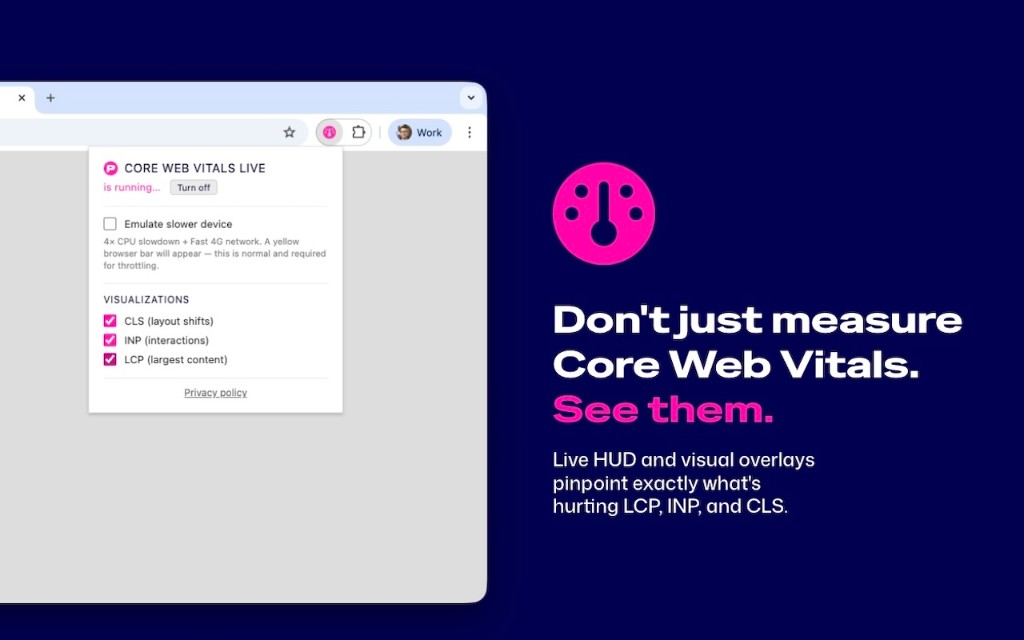
Our new Chrome extension displays LCP, INP, and CLS directly on the page – with visual overlays that highlight specific elements.
- HUD like in a game — colourful indicators in the corner of the page. Green, orange, or red quickly reveal the state of your page.
- See the LCP element — a pulsing frame highlights the exact element determining your Largest Contentful Paint. No more searching in DevTools.
- Real-time CLS — every layout shift appears as an overlay directly above the shifted element, complete with its score.
- INP at the cursor — after each click, a label with response time appears at the cursor. You'll know immediately which interaction is slow.
The extension collects no data and operates purely locally. It measures with the same logic as PageSpeed Insights and Search Console – built on Google's official web-vitals library.
The New PageSpeed.ONE Brand
As you already know, PageSpeed.ONE is gradually transitioning to a new visual identity. A new logo, the Special Gothic Expanded font, and an overall fresher look that better aligns with our direction – a tool for web speed without boundaries.
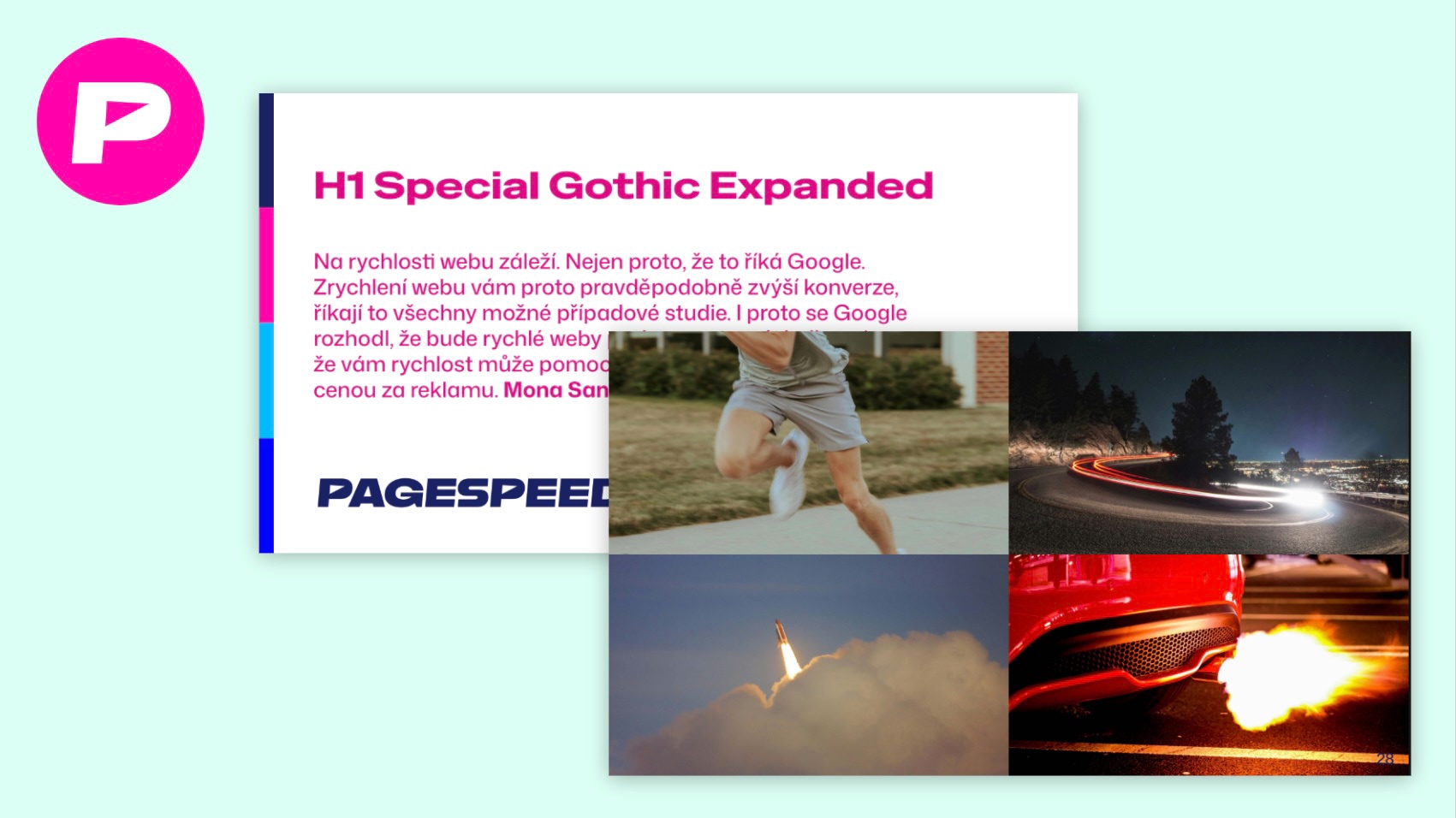 New visual identity of PageSpeed.ONE.
The new brand, crafted by Little Brand, is being gradually applied across the entire website, application, and all materials.
And So On
Since version 4.10, we've managed to:
- Add guidance to the Lighthouse Diff tool for comparing two tests.
- Include a case study on Eclisse in the section on WordPress optimization.
- Place entry boxes throughout the web content for quick speed testing and kickstarting the PLUS Trial.
- Speed up the loading of navigation and certain parts of the application.
- Fix various issues from release 4.10, including SEO shortcomings.
- Update monthly CrUX data from December to February.
- Learn to better measure app usage to understand what to improve.
- Have Martin Michálek speak at UX Day 2026 about speed as the invisible part of UX.
The team at PageSpeed.ONE is thoroughly enjoying these updates and hopes they will help accelerate your websites as well.
Found a bug? Got an idea? Feel free to write to us at info@pagespeed.cz.