How to Identify the LCP Element
 Radek ŠírUpdated 8/19/20252 minutes reading
The LCP metric is one of the most critical.
To optimize it, you must identify the "LCP element", which is the largest element visible in the user's viewport. The display time of this element determines the LCP metric's timing.
If you aim to optimize LCP, finding the LCP element on the most visited pages of your website is essential.
You can identify LCP elements in several ways:
1) PageSpeed Insights
You're probably familiar with this part of PageSpeed Insights…
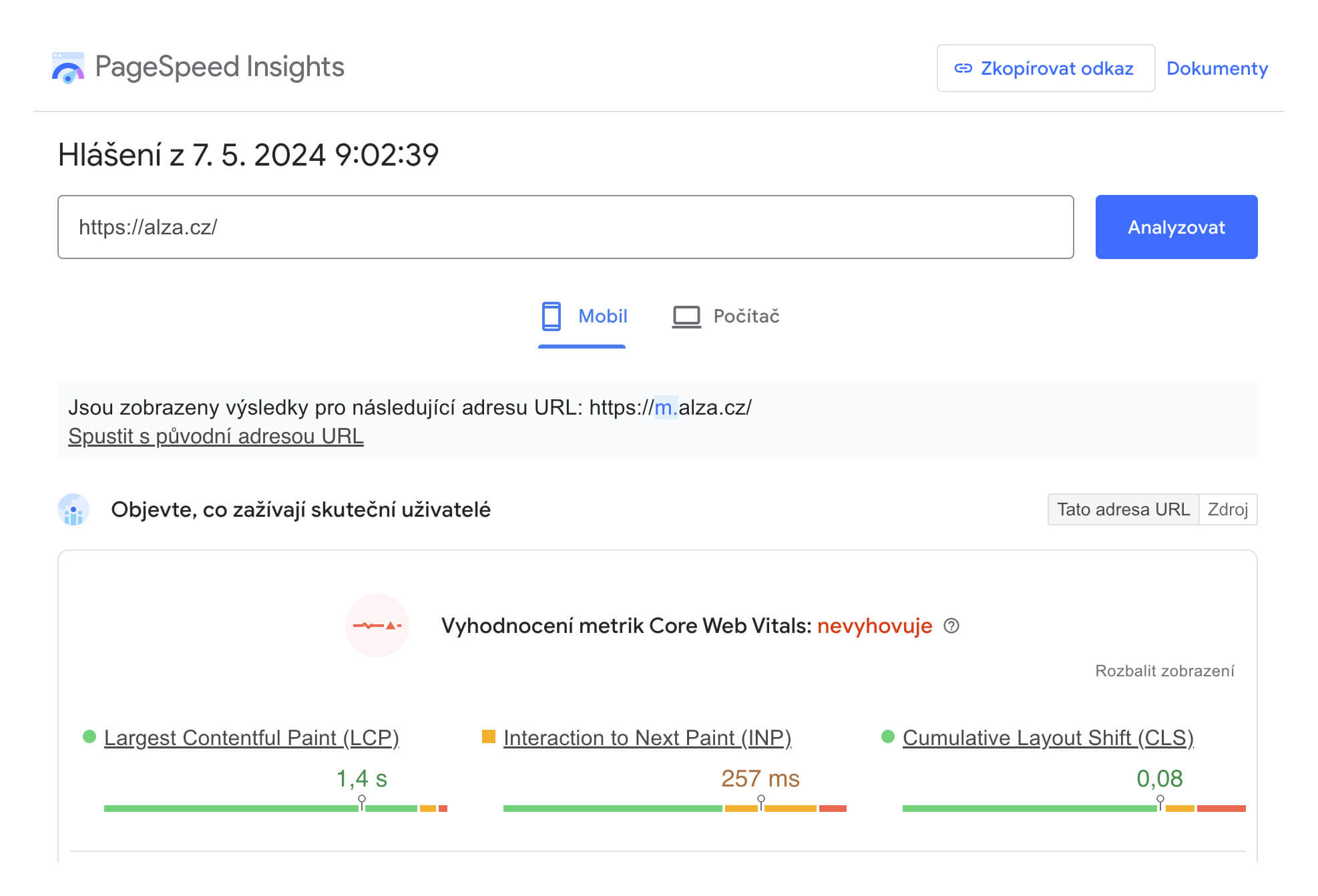
… but to identify the LCP element, look for "Largest Contentful Paint Element":
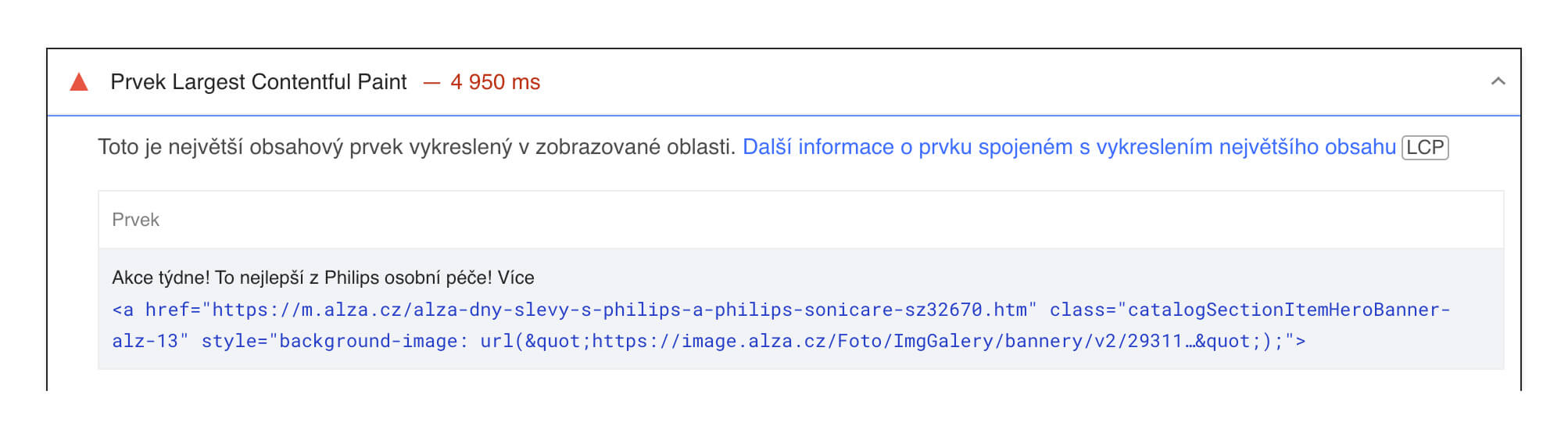
See PageSpeed Insights.
PageSpeed Insights displays outputs from the Lighthouse tool, which also powers our website speed test and is available in Chrome DevTools.
2) Lighthouse in the Browser
Lighthouse powers PageSpeed Insights, is available in Chrome DevTools, and also underpins our website speed test.
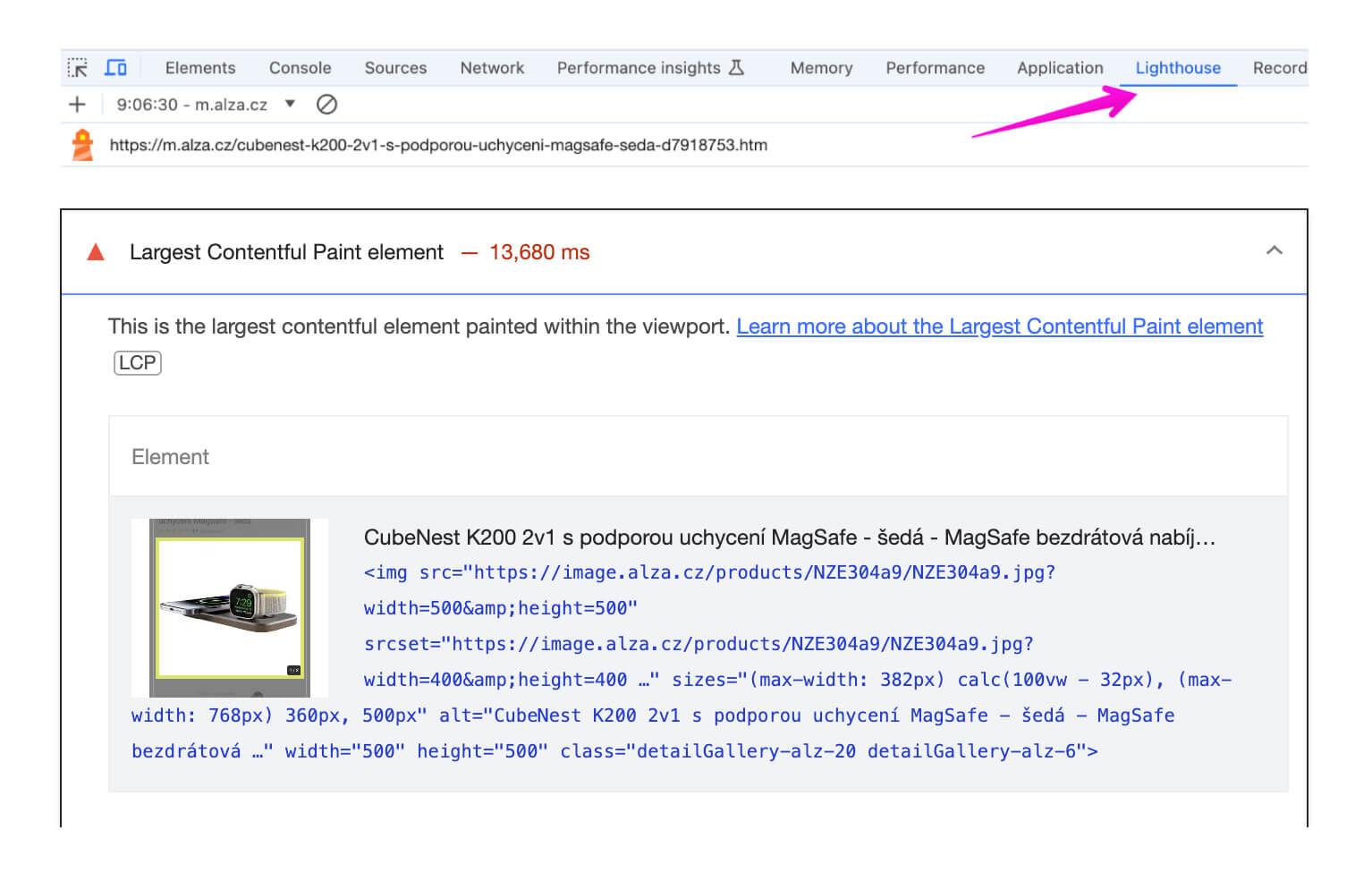
See Lighthouse.
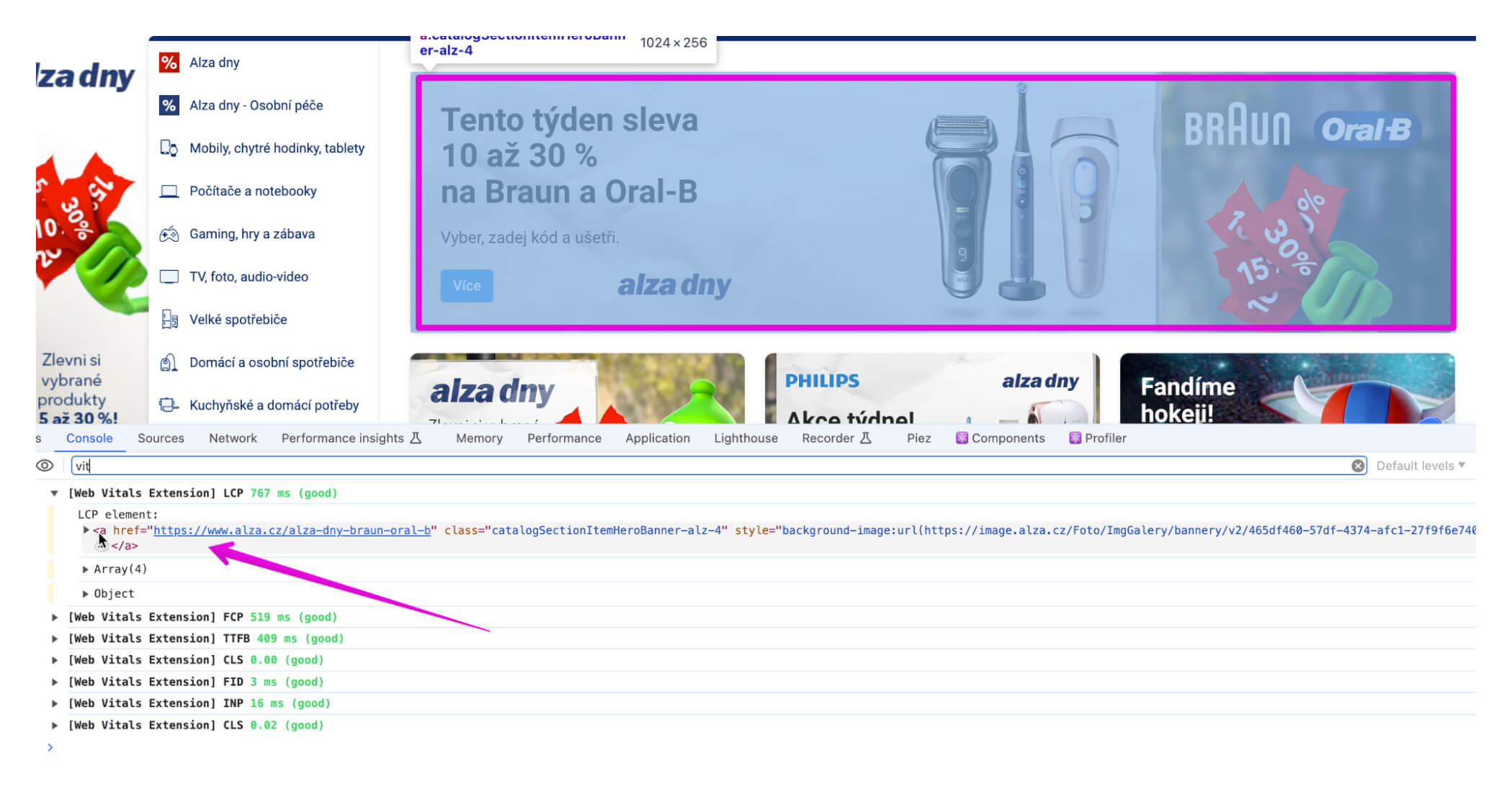
3) Web Vitals Extension
Simply install the Web Vitals extension and check the console in DevTools:
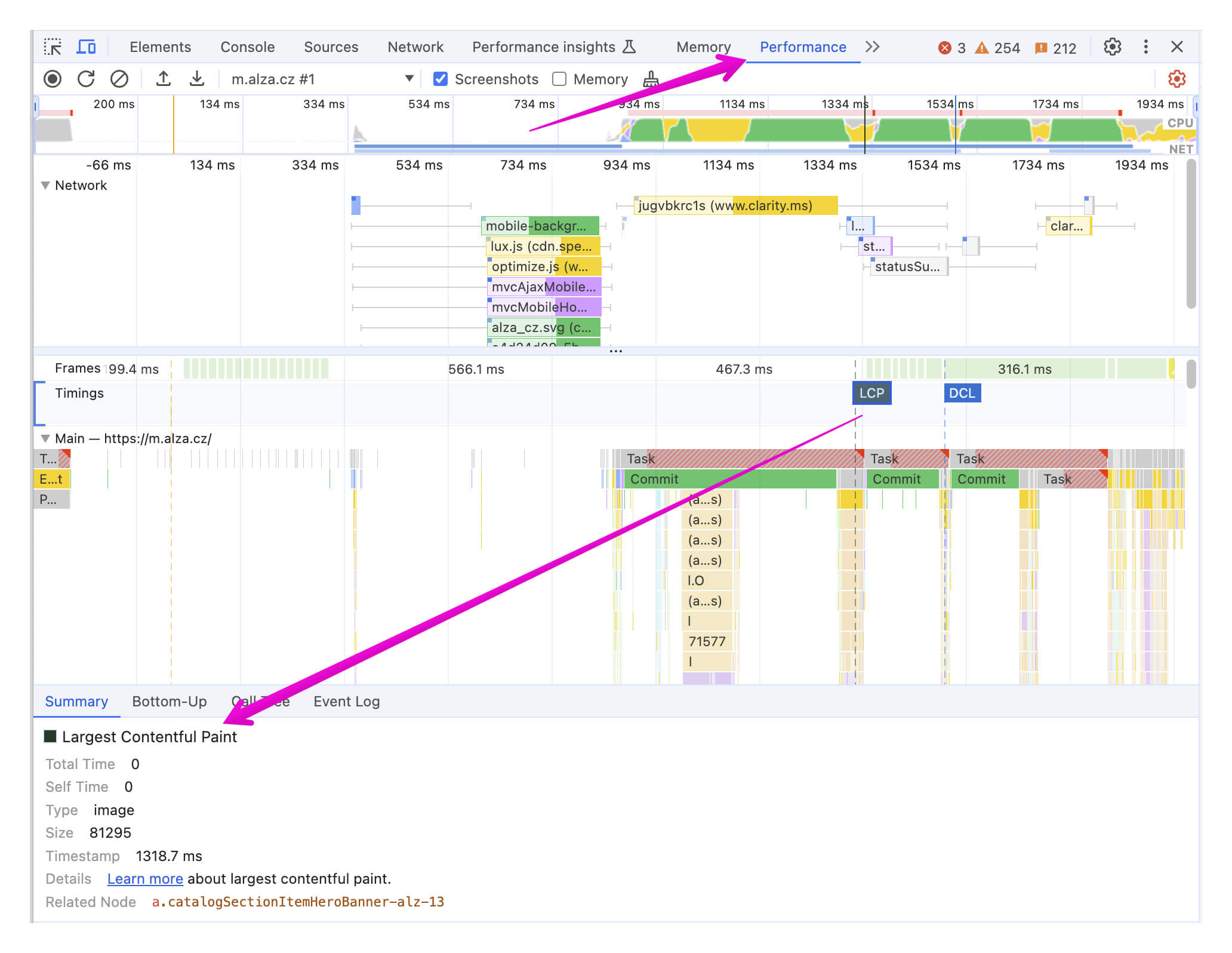
4) Performance Panel in DevTools
This one is for the tech enthusiasts:
Once you've identified the LCP, the goal is to render it as quickly as possible on the page.
Achieve this by speeding up the resources needed for its rendering while giving the lowest priority to downloading all other resources.
We discuss this in our text on optimizing LCP.