Test: Is It Better to Have Many Small CSS Files or One Large One?
 Radek ŠírUpdated 9/29/20253 minutes reading
In the era of HTTP/2, best practices suggest splitting CSS into smaller files based on components and pages. But is the cost of numerous requests too high?
Why Address This?
When optimizing a website according to Core Web Vitals, we aim to load the largest element on the page (LCP element) as swiftly as possible. This means everything downloading before this element should also be loaded and processed promptly, particularly style and JavaScript files.
We decided to tackle this question during an optimization for one of our largest clients, Livesport.
On Livesport's website, specifically the Fortuna league page, there were 55 small CSS files with a total size of 789 kB during the tests. With Gzip compression during transfer, 156 kB was delivered to the browser.
In this scenario, the LCP element loaded in 3,700 ms. (Tested on a Fast 3G connection.)
I then merged all the files into one and minified it. I linked the resulting file into the <head> of the page and removed the other CSS file links.
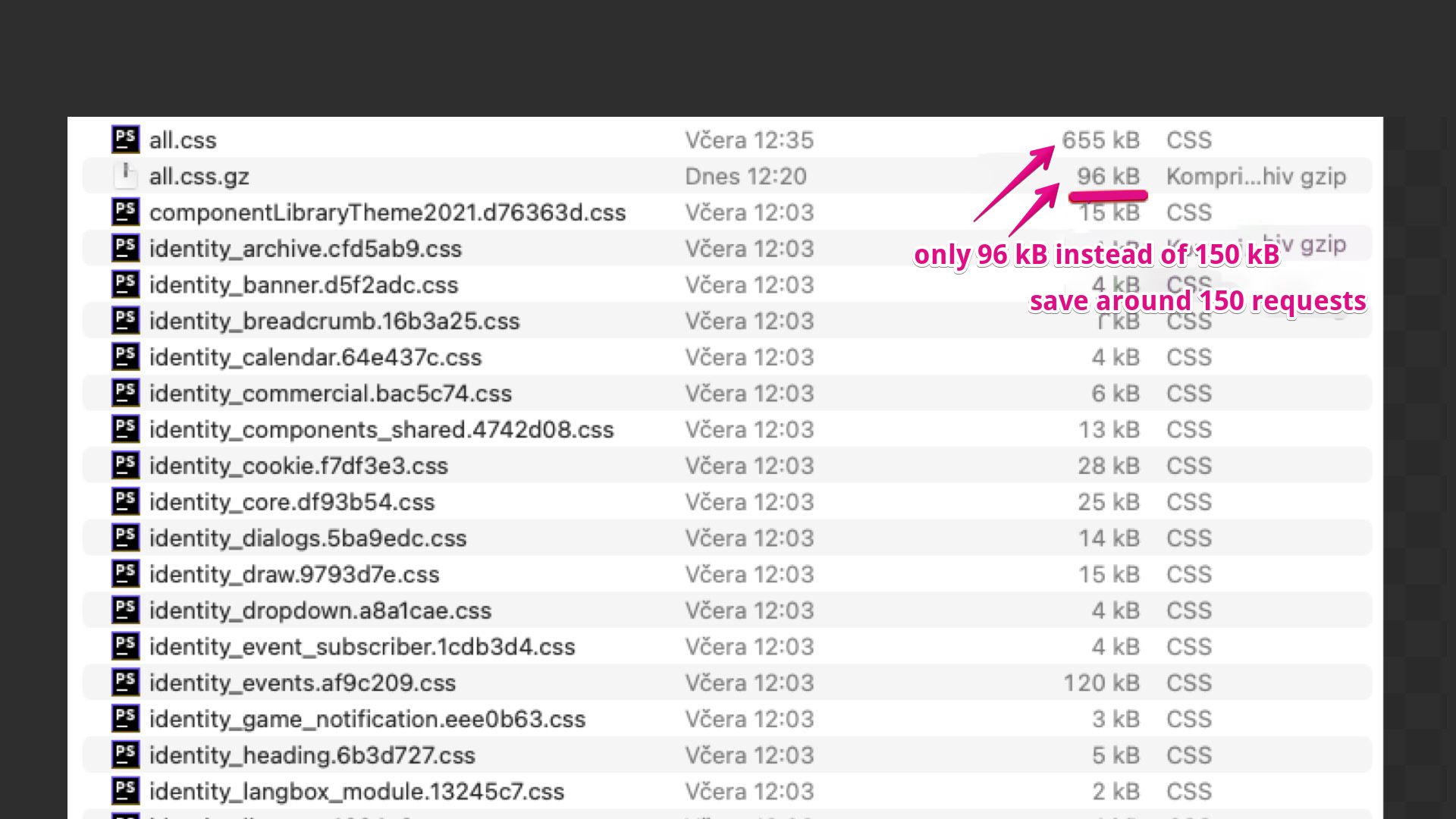 These are the CSS files downloading on Livesport.
Minification reduced the data volume to 655 kB, and after Gzip compression, we had 96 kB of transferred data. We saved 54 requests for downloading CSS files and roughly ⅓ of the transferred data volume.
After optimizing the CSS, the LCP loaded in 3,500 ms.
LCP (Largest Contentful Paint) loaded 200 ms earlier on a 3G connection after replacing 55 small files with one large CSS file.
In percentage terms, this was only a 5% speed increase in rendering the LCP element.
| Number of Files | Data Volume (kB) | LCP in ms | |
|---|---|---|---|
| Before Change | 55 | 789 | 3,700 |
| After Change | 1 | 655 | 3,500 |
This relatively small acceleration in LCP loading is partly due to the large number of other files being transferred, such as JavaScripts. Their complex processing, particularly on the client-side browser, also impacts the final time.
Is It Worth Merging CSS into One File?
This test showed that from a speed perspective, we don't save much by having one file. A single large CSS file isn't significantly faster for LCP than many small ones.
Moreover, there are other factors to consider. This only accounts for the user's experience with an empty browser cache. In real-world operations, caching plays a significant role, and having many small files will be more advantageous. That is, if you as developers can invalidate them individually, not all at once.
Final CSS Tips. What to Watch Out For?
- Ensure all CSS files are as small as possible in the output. Always minify diligently.
- Prevent code duplication: various icons, colours, or entire components. We often see this in clients' code.
- Clean up – if CSS files are large, consider refactoring, splitting into components, and removing unused (dead) components.
- Ensure proper file caching using the
max-agedirective. - Make sure Gzip or Brotli compression is enabled on the server.
- Strive to avoid styles on the page that aren't utilized in the HTML; the homepage doesn't need styles for the checkout process.
- Styles outside the initial viewport can be lazy-loaded, for example, using JS.
More on CSS optimization has been written by Martin Michálek or Harry Roberts.